Take things to the next level!
RGE Studio logo

Set your team up for success with

Roles & Advanced User Permissions

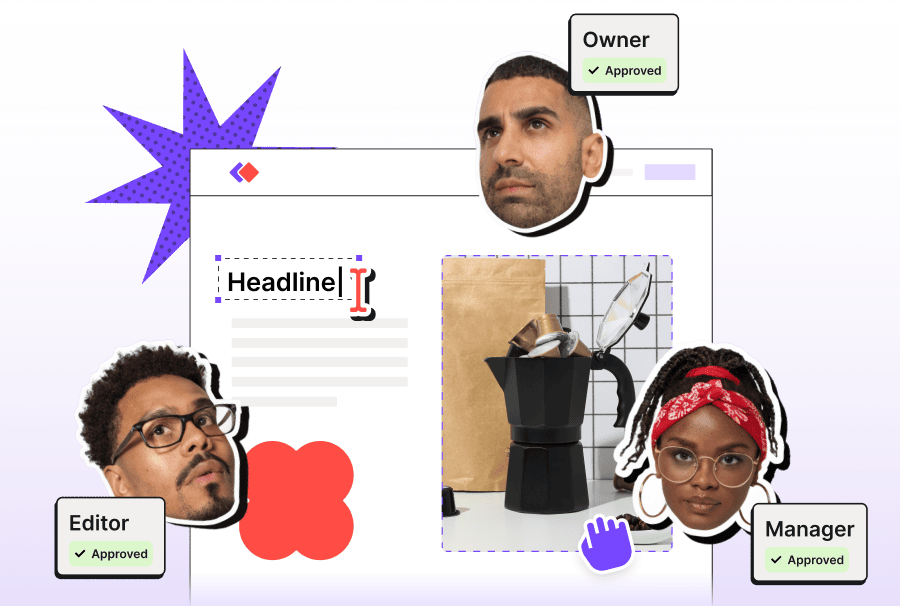
an email with users's avatars floating around

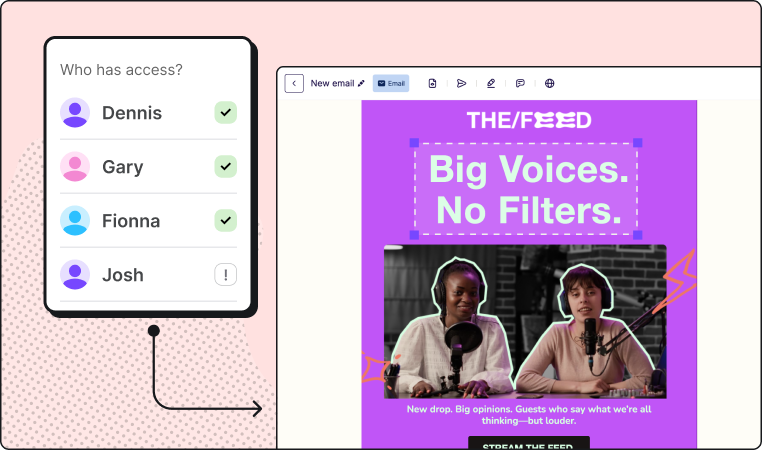
Did you know that with your Business plan you can assign users with unique Roles and Advanced User Permissions? These options allow you to assign specific responsibilities and restrictions to individual member to ensure an aligned collaboration process.

Plus, you can differentiate roles and restrictions per workspace to better manage your team and brand across multiple projects.

Start working better together! 

To assign Roles & Permissions:

01.

Head to “Manage users”.

02.

Click “Invite a new team member” or click the member you want to edit.

03.

Choose their new role.

04.

Open the “Advanced permissions” dropdown menu and select “Restrictions on layouts and styles”.

Assign roles
 

Here’s a quick run-down of the roles on offer:

Avatar Icon Owner

This is the person who opened the account, probably you! This role is in charge of the subscription.

Avatar IconAdmin

Access to all features. This is the person in charge of overall team management. 

Avatar IconManager

This user has everything they need to manage the design process within a workspace. 

Avatar IconEditor

This user can create, edit and export designs. 

Avatar IconContributor

This user can contribute to content editing like adding copy to an email or page.

Avatar IconViewer

This user can comment on designs, but they can’t make changes directly. 

Learn the ins and outs of User Roles & Permissions

Everything you need to know to improve your email creation workflow is within this support article:

a screenshot of a phone
Check it out 

RGE Studio.
Where really good emails get made.

instagramlinkedinYoutubePinterest

You received this message because {{ customer.email }} signed up for a RGE Studio account on reallygoodemails.com.
If you no longer wish to receive our messages you can unsubscribe.
If you have any questions, drop us a line.

View in browser. 

Really Good Emails | ©Bee Content Design, Inc. San Francisco, CA | Part of Growens

Learn with the School RGE Academy Privacy Policy GDPR Terms of service
Learn with the School | RGE Academy
Privacy Policy | GDPR| Terms of service
 
RGE Studio logoDesigned with RGE Studio